
Buy Facebook video views
Prepare the link to one public Facebook video, check the available options and review the confirmed total before paying. You do not need to share your Facebook password or give us access to your Page.
From 3,12 € for 100 views. The final price depends on your selected quantity and option.
- Premium: 3,12 € for 100 views.
Currently unavailable: High quality, VIP. Choose one of the available options above in the Spanish order form.
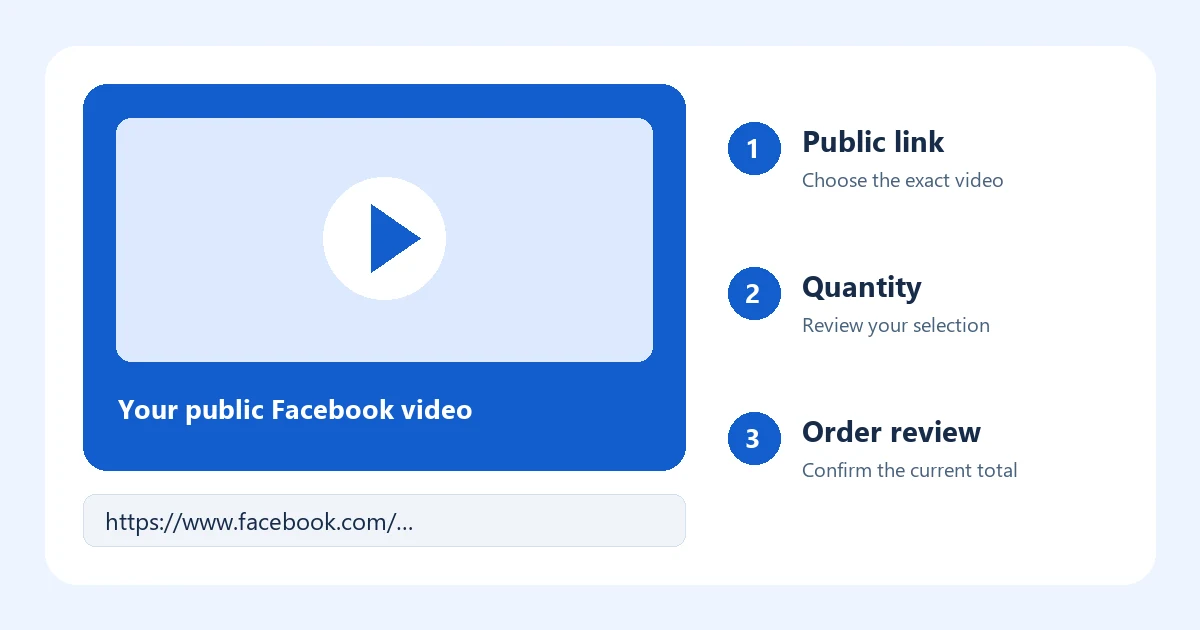
Start with the exact video you want to promote
This service concerns the view count of a selected Facebook video. It is different from Page followers, post reactions and people watching a live broadcast at the same time. Decide which outcome you need before choosing a quantity: ordering one metric does not include the others. Additional views also do not guarantee comments, purchases, a recommendation from Facebook or a particular amount of watch time.
The destination should be the video itself. A Page homepage, a search result or the name of an account does not identify one specific video. If you manage several Pages, open the intended post and check the account name, the video and its audience before copying the link.
- 1. Open the videoFind the individual Facebook video post, rather than the Page homepage.
- 2. Copy its linkUse Facebook's sharing controls and choose the option to copy the link.
- 3. Check visibilityMake sure the link opens the intended public video and does not require membership of a private group.
Check what the link actually opens
Paste the copied link into a separate browser window and confirm that it identifies the same video. Facebook may still show a sign-in prompt to some visitors; that prompt alone does not prove a post is private. Check the post's audience setting in Facebook as well. If you cannot establish that the intended video is publicly accessible, resolve that question before paying.
A public video on your Page and a copy shared inside a group may have different links and different audiences. Use the link for the original destination you want the order to apply to. Do not substitute a different upload after the order has started; contact support from your order account if the original link changes or becomes unavailable.
Video views, reactions and followers are separate choices
| Your intended result | Destination to check | What to confirm |
|---|---|---|
| Views on one video | The individual public video | The selected option accepts that video format. |
| Reactions on a post | The individual public post | A separate reactions option is available. |
| Followers for a Page | The correct Page | The service concerns followers, rather than a video's views. |
| Viewers during a live broadcast | The active public broadcast | A live-viewer service explicitly supports the duration you need. |
The table explains the difference between goals; it does not mean every option is currently for sale. Use the Facebook service catalogue in Spanish to check an individual service. For a Reel or a live stream, do not assume that an ordinary video-view option is compatible: confirm the format before ordering.
Choose a quantity you can review meaningfully
Begin with a clear purpose and a spending limit. There is no universal quantity that makes a campaign successful. Compare the video's current activity, the audience you expect to reach through your own distribution and the result you actually want to evaluate. A larger number is not proof of more interested customers.
A planning example
Suppose a local shop has published two different product videos. If the intention is to order views for the first video, record its link and current visible count before selecting a quantity. Keep the second video separate. An order for one destination does not automatically apply to both videos, and a quantity should not be multiplied simply because you have pasted several links.
This is a hypothetical example, not a customer result or a prediction of campaign performance.
Review the total and the terms before payment
When ordering is available, the button above takes you to the existing Spanish order form. It lets you prepare the destination and review the order before continuing to payment. Check the video link, metric, quantity, selected option and final total together. Prices are displayed in euros. Only the confirmed total for your selection is relevant to a purchase.
If the price cannot be calculated or the service is shown as unavailable, do not treat an older advertised amount as a confirmed quote. Come back when a valid price is available. We do not promise a fixed start time, completion time, audience country, viewing duration or replacement coverage on this page; these depend on the service conditions that apply to your actual order.
Read the purchase terms in Spanish before paying. If you already have an order, use your order account in Spanish to keep a question tied to that order. Avoid placing a second order merely because the first one has not changed a visible counter yet.
Keep account access private
Your Facebook password, one-time sign-in codes and Page administrator access are not needed to identify a public video link. Enter only the destination and the information required by the order form. Keep the video publicly accessible during fulfilment so its destination can be checked. If you delete the post, change its audience or replace the upload, raise the issue through the existing order instead of sending a new link without explanation.
Frequently asked questions
Can I order Facebook video views right now?
The availability message at the top checks the options offered in the order form at the entry quantity. It lists only options with a confirmed quote. If none can be confirmed, this page shows no purchase button or advertised entry price. Availability may change; reload the page when you want to check again.
Does one view mean one unique person watched the whole video?
Do not assume that it does. View counts, unique viewers and viewing duration are different measurements. This page does not promise unique people, full-length views or a particular retention percentage. Confirm any requirement that matters to your campaign before buying.
Will buying views also add likes or followers?
No additional metric is included simply because you select video views. Reactions, comments and Page followers are separate choices. Check current availability and the exact contents of each option rather than relying on a package name.
Can I use the same option for a Reel or Facebook Live?
Only if the selected service explicitly supports that format. A recorded video, a Reel and simultaneous viewers of a live broadcast are different destinations. If compatibility is unclear, resolve it before submitting the order.
Why does the order form open in Spanish?
This page explains the service in English. The current order form, order account and purchase terms are in Spanish; those links are labelled accordingly so you can review them before proceeding.
What should I do if a video becomes inaccessible?
Use your existing order account to report the change and identify the affected order. Do not share a password or sign-in code. A support review can establish which destination and service conditions apply; a new purchase does not resolve that uncertainty.